
Thursday, October 27, 2011
SCRATCH CHALLENGE 4#
Using the flying bat you created in challenge 3, now have your bat fly towards you, by using the “change size” function. Continuation of challenge 3 except more advanced.


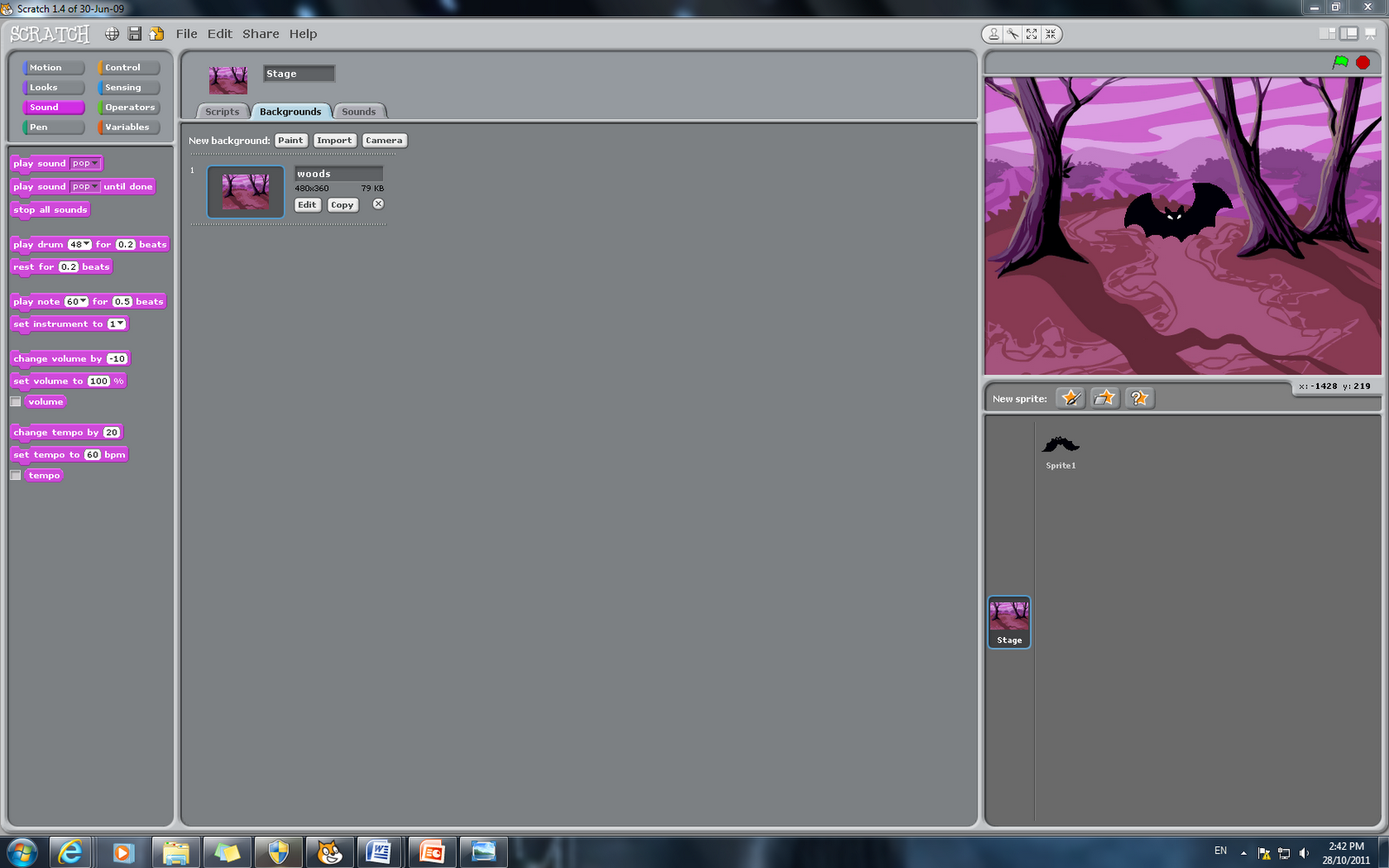
SCRATCH CHALLENGE 3#
Find the two bat sprites, one with wings up the other with wings down. Have the sprite change costume from one to the other, hence creating the illusion of flying.



Wednesday, October 26, 2011
SCRATCH CHALLENGE 2#
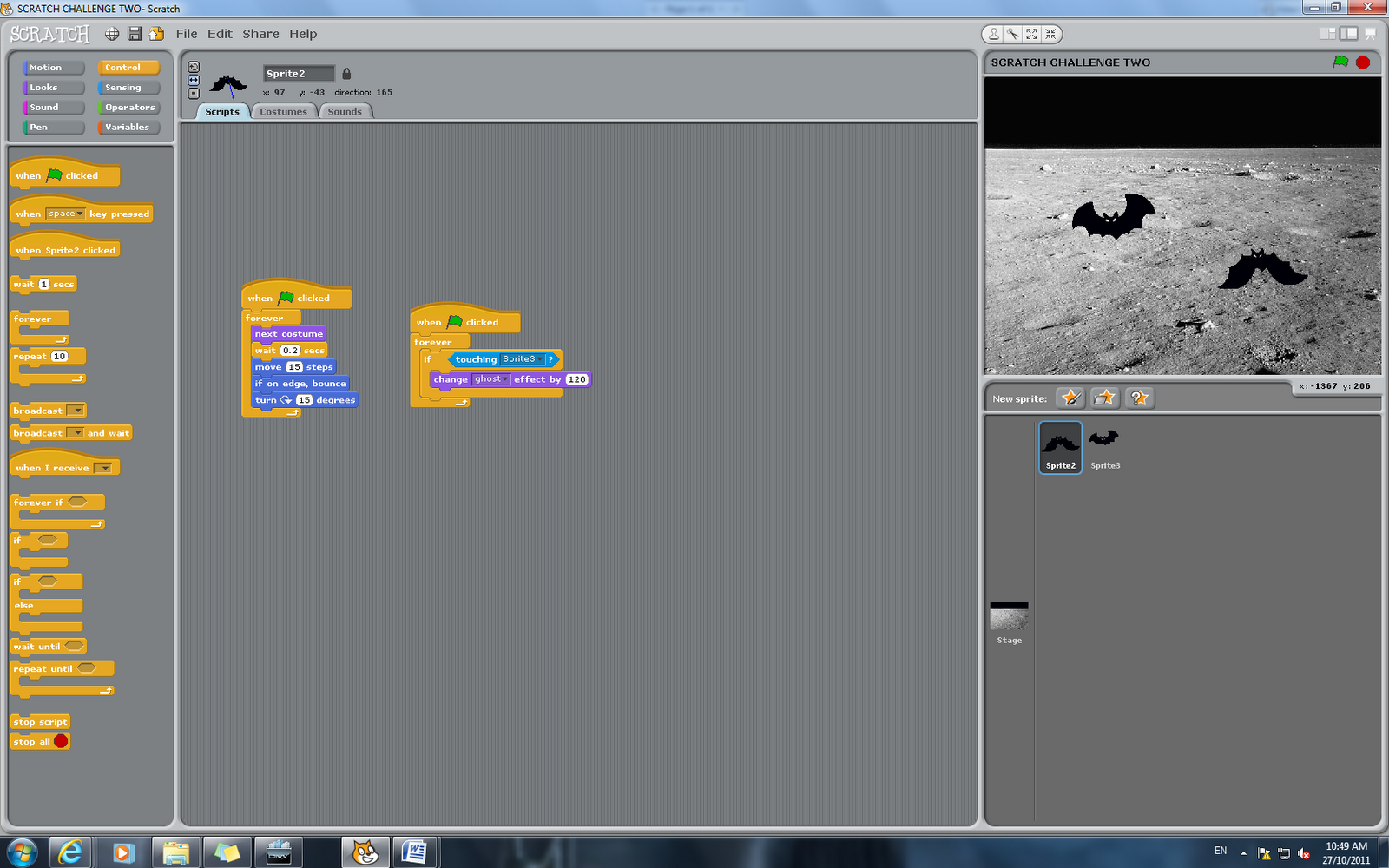
Create two sprites, have them randomly move around the screen (see challenge 1), when they touch have them stop (or react in some other way) SNAPSHOTS.


SCRATCH CHALLENGE 1#
Have your sprite glide across the screen and when it touches the edge (note: the “edge” can be sensed as a standard function), have it change directions.


Monday, October 24, 2011
CHANGE COLOUR.
This activity challenges us in order to use your character, and change its colours, either by pressing a button or within seconds. Overall a very simple and straightforward activity.


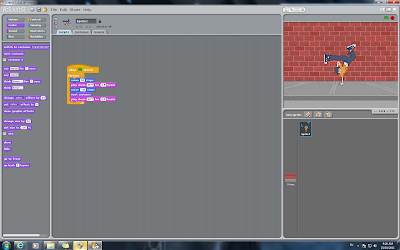
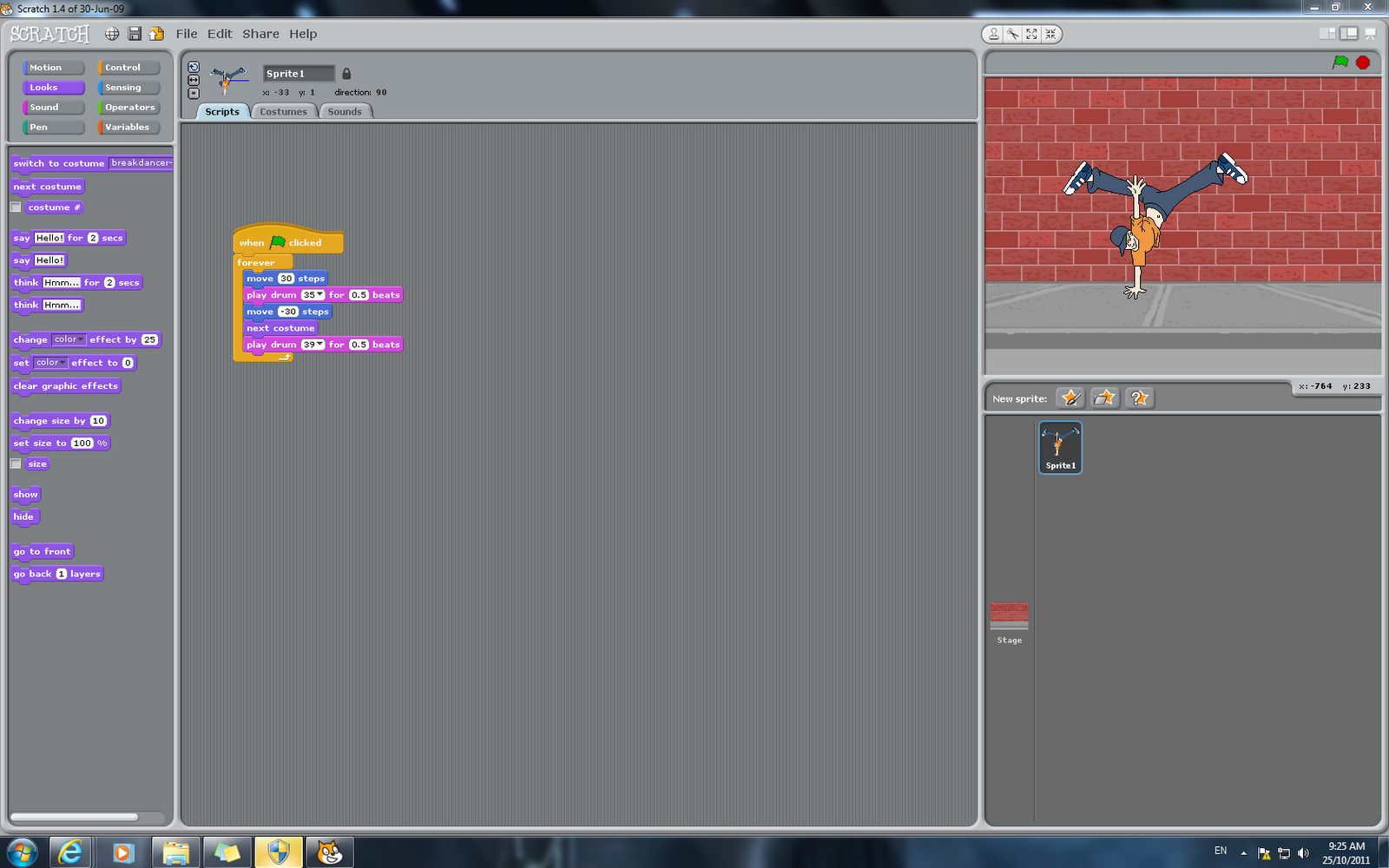
MOVE TO A BEAT.
This activity, takes you through the process of making your character move, this one consists of dancing and drum beats.

Wednesday, October 19, 2011
FOLLOW THE MOUSE.
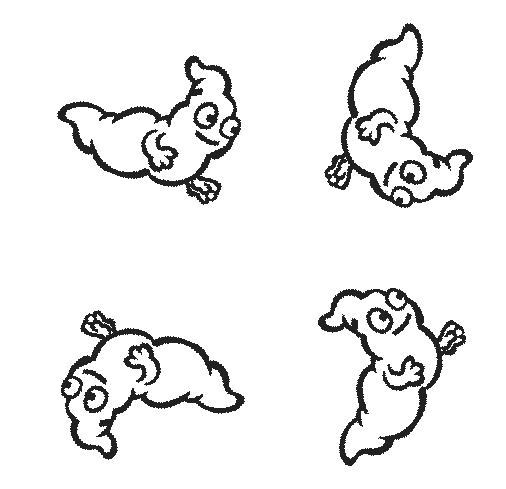
This activity simply consists of your image or character, following the direction of the mouse, simple and easy. It was difficult to capture, the movement at the time of snapshotting, but this was the closest it went to. SNAPSHOTS.

Subscribe to:
Posts (Atom)