This activity challenges us in order to use your character, and change its colours, either by pressing a button or within seconds. Overall a very simple and straightforward activity.
This activity simply consists of your image or character, following the direction of the mouse, simple and easy. It was difficult to capture, the movement at the time of snapshotting, but this was the closest it went to. SNAPSHOTS.
This activity, basically teaches you how to make your image, or character glide from one place to another, the process was quite simple and easy. SNAPSHOTS.
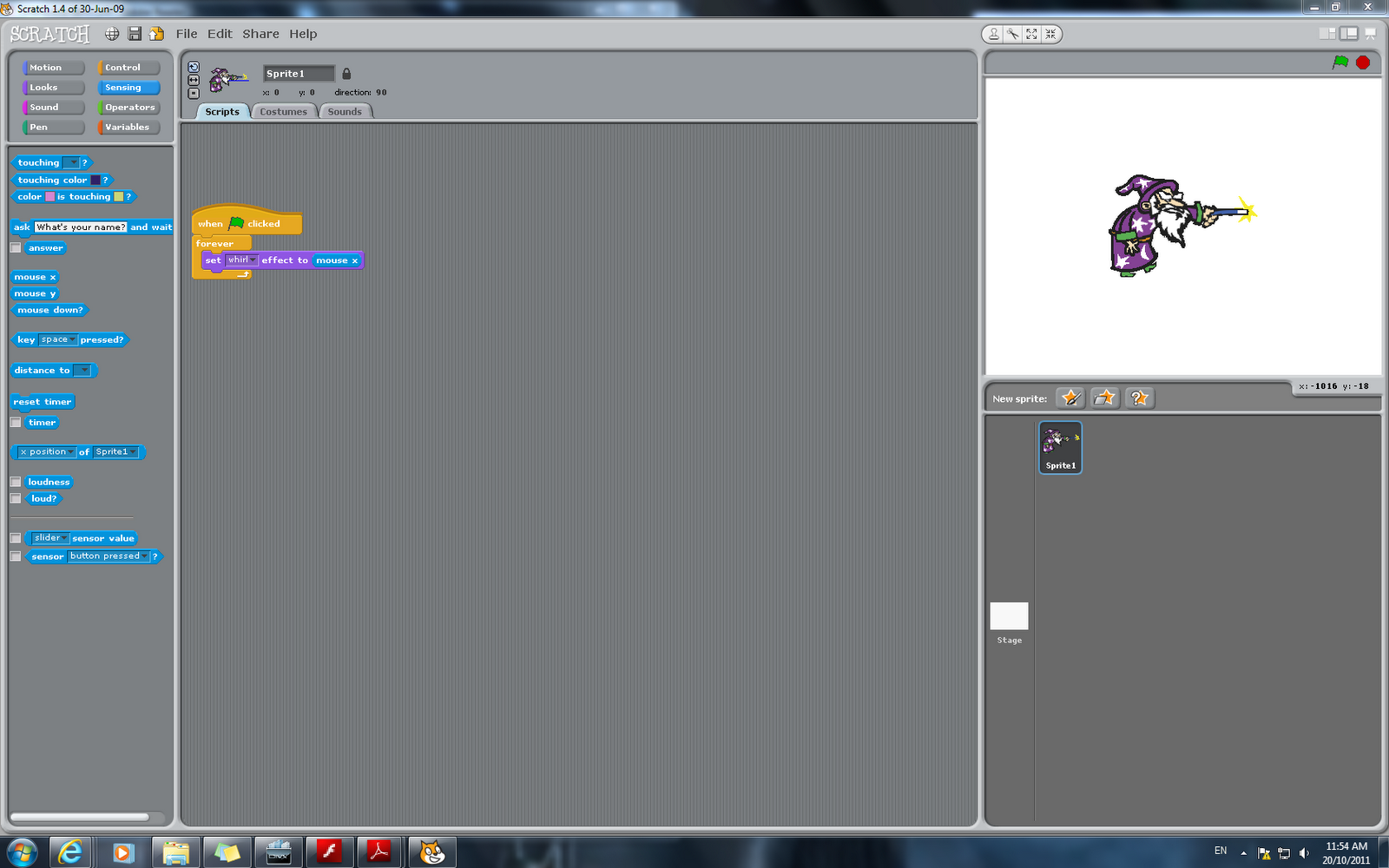
I had quite fun while doing this activity, as it teaches us how to whirl, your image simply using your mouse. Depending where you move your mouse, the intensity of the whirl, increases. SNAPSHOTS.
This activity explores how to create an animation with the help of sound. Basically, when the drum is clicked, the colour changes as well as a different sound is played when clicked.
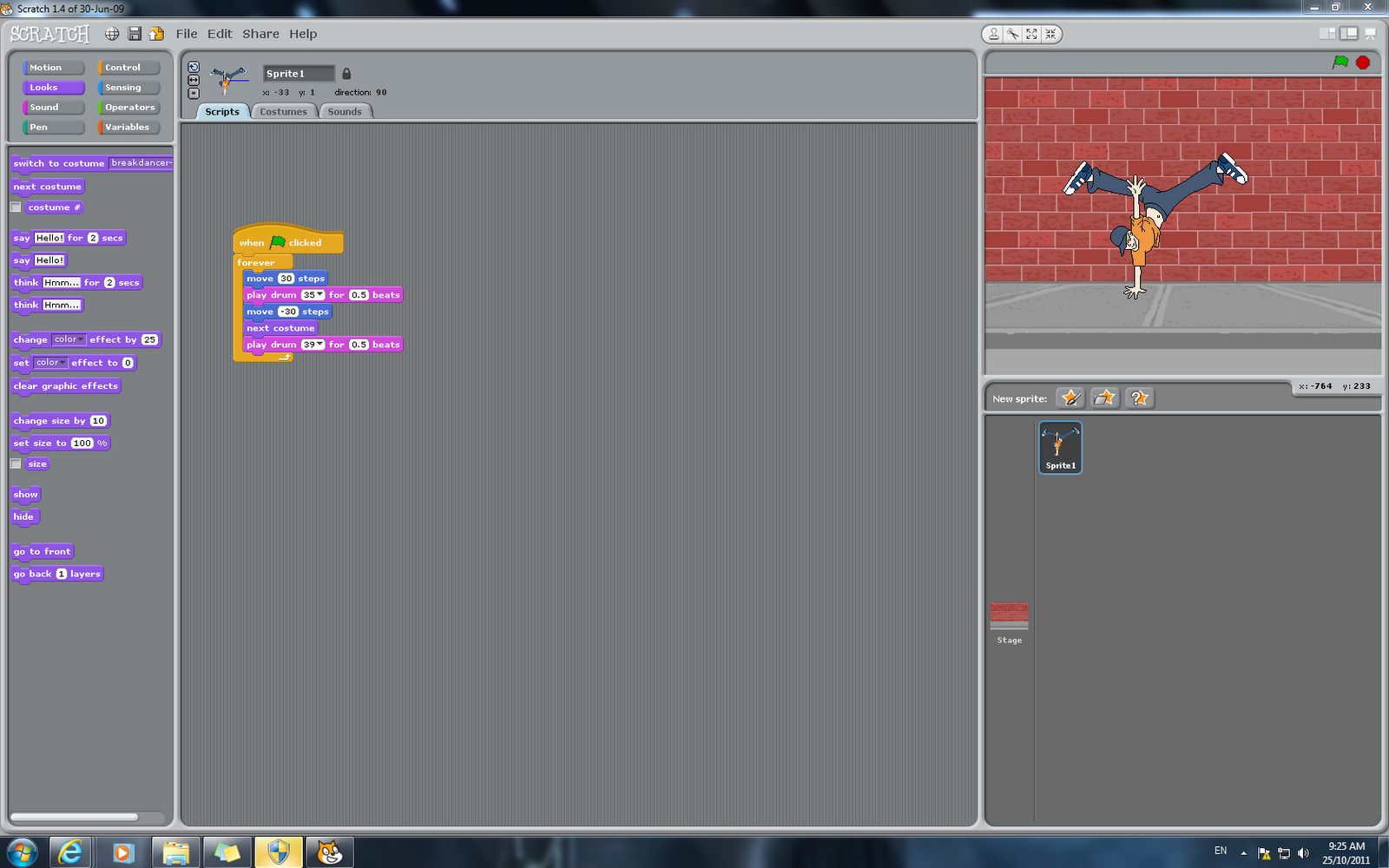
This example, basically makes the character dance in a simple twist, presented as an animation. From the example, I changed one element from the algorithm which was making the control key, forever instead of when pressed. SNAPSHOTS.